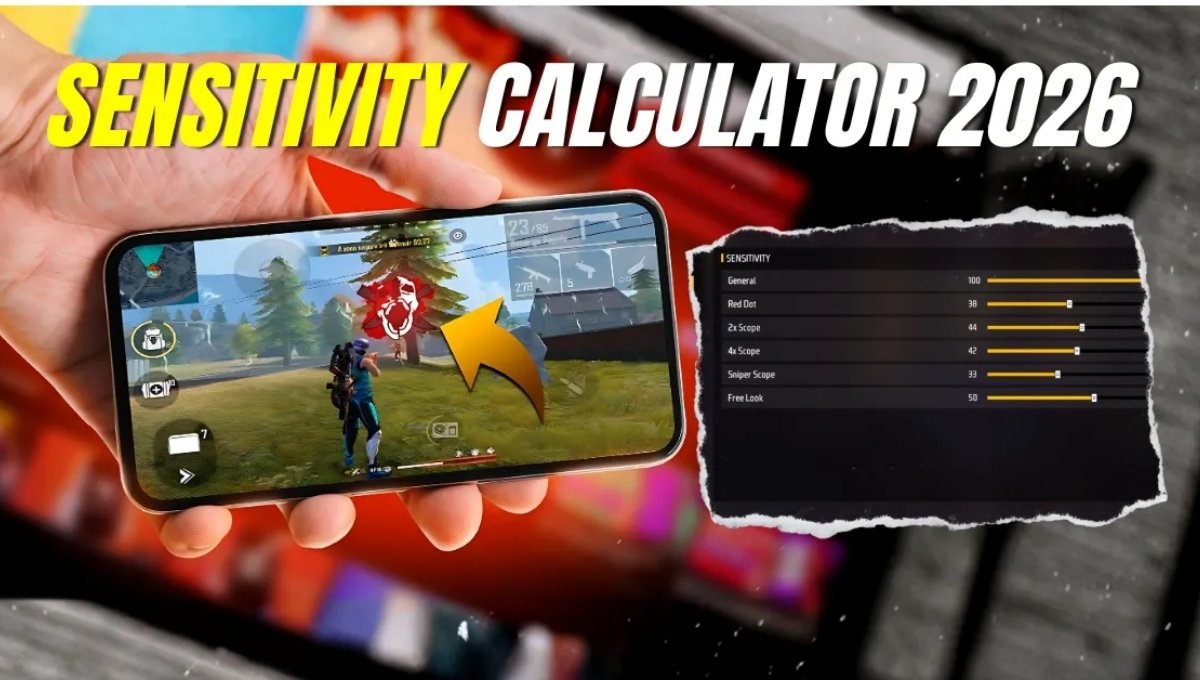
Hello friends! If you also play Free Fire Max and frequently miss headshots, struggle to control gun recoil, or your aim becomes shaky when an enemy appears, you’re not alone. Almost every new and experienced player is confused about the correct sensitivity settings.
Today, we will understand in simple terms what a Free Fire Sensitivity Calculator is, how it works, and how you can take your gameplay to a pro level in just one minute.

What exactly is a Free Fire Sensitivity Calculator?
A Free Fire Sensitivity Calculator is a smart online tool that understands your phone’s capabilities, screen size, DPI, and playing style to generate the correct settings. Every phone is different. Some have smooth touch controls, some experience lag, and some have faster scope opening times.
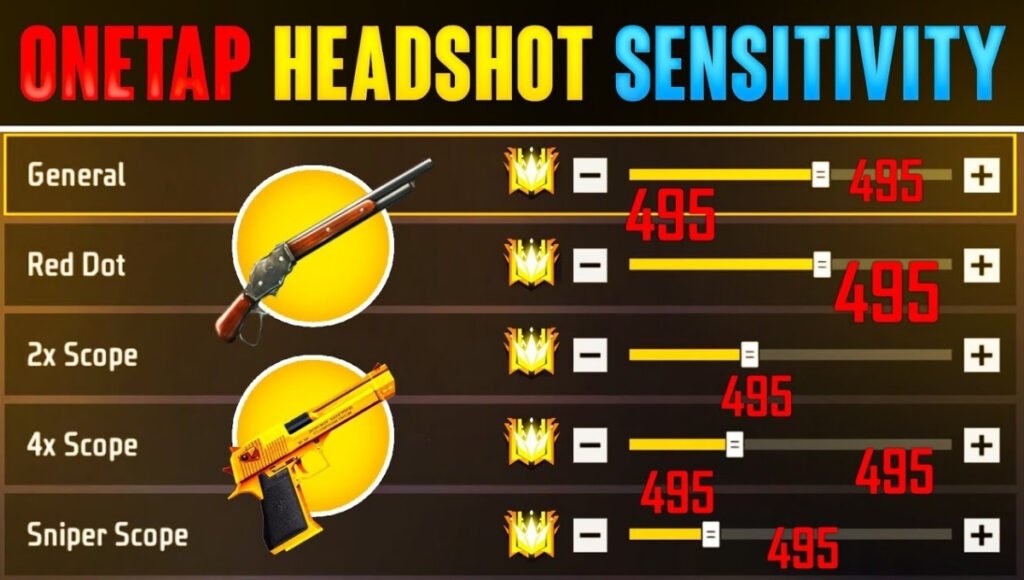
This is why the same settings don’t work for every player. This tool provides values based on your needs so that your aim remains stable and headshots become easier.
What problems arise from incorrect sensitivity?
Many players copy a pro player’s settings from YouTube and think their game will improve. But that’s not actually the case. If the sensitivity is too high, the crosshair moves too fast and doesn’t stay on the enemy’s head.

If it’s too low, drag shots become difficult. After the OB52 update, the sliders have also changed, so the old settings no longer give the correct results.
How does this tool help you?
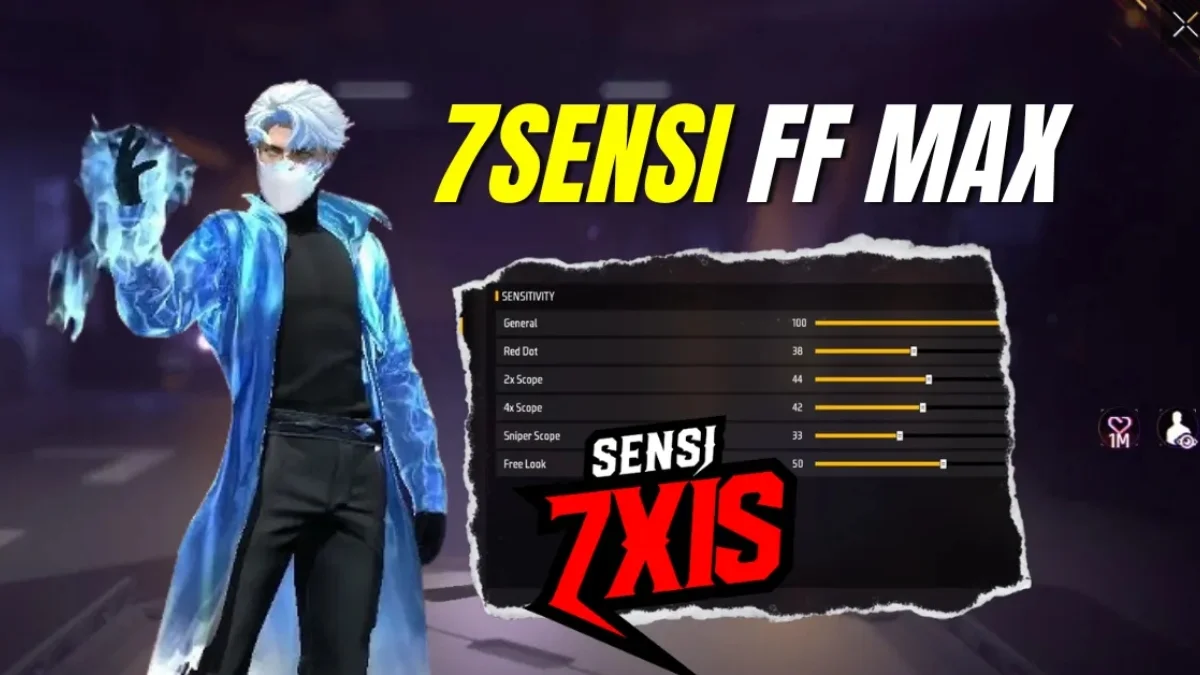
When you enter your phone’s name, DPI, and playing style into the calculator, it automatically understands whether you prefer close-range or long-range fights. Based on that, you get values for General, Red Dot, 2x Scope, AWM Scope, and the Fire Button. This makes 360-degree spins, one-tap headshots, and no-scope shots much easier.
Easy way to apply the correct settings
First, take a screenshot of your old settings so you can revert to them if needed. Then, enter the values obtained from the calculator into the game. Practice in the training ground for at least ten minutes.

It might feel a little strange at first, but the difference becomes clear once you get the hang of it. When performing a drag shot, lightly pull the fire button upwards and keep the crosshair near the enemy’s head.
How to get that pro player feel
Players like Raistar and TSG Jash aren’t good because they have some magical settings, but because their sensitivity is perfectly tuned to their hands and phone. When your settings are right, gun recoil will be automatically controlled, you’ll be able to deploy gloo walls faster, and your chances of winning clutch moments will increase.
Common mistakes every player makes
Many people change their settings every day. This prevents muscle memory from developing. Some players set their DPI too high, which makes the touch controls unstable. Some don’t practice in the training ground and jump straight into ranked matches. These small mistakes ruin gameplay.
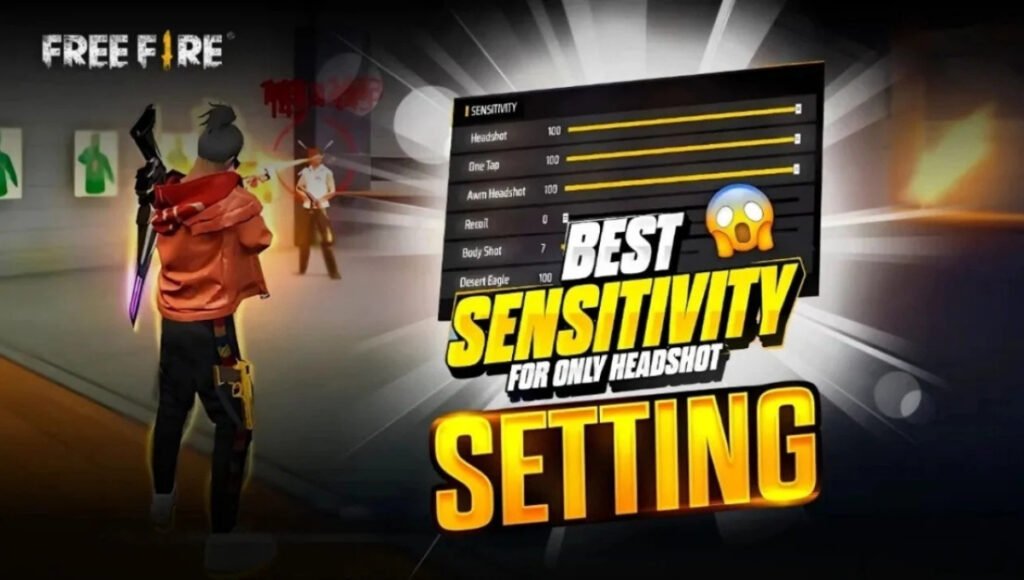
Becoming a pro in Free Fire isn’t just about fast fingers, it’s about the right sensitivity. If the settings are in sync with your hands, even an average player can become a deadly headshotter. Be patient, practice a little every day, and choose values that suit your style.

Disclaimer: This article is for informational and educational purposes only. The settings obtained from the Free Fire Sensitivity Calculator may yield different results on different devices. In-game performance also depends on internet speed, phone hardware, and individual skill. Use any tool or setting at your own risk.
Also read:
Free Fire Rank Push Guide 2025: Learn Pro Tactics To Achieve Grandmaster Quickly

Free Fire Sensitivity Settings: Auto Headshot Guide 2025 For Better Aim Accuracy
Free Fire Best Gun Combination for Rush: Gameplay Guide 2025 Aggressive Players Close Combat